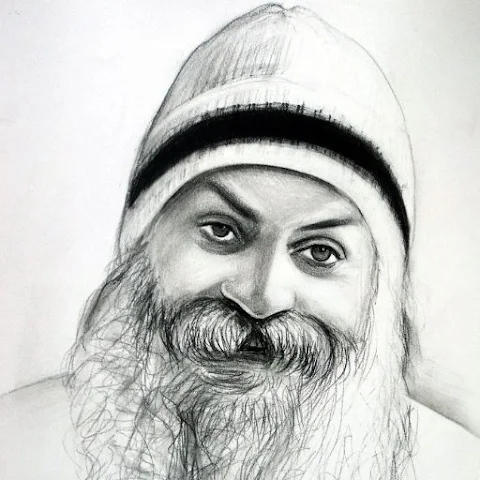
Ask Osho from your chats
The same Osho Live assistant, in Telegram or WhatsApp — answers drawn from Osho's complete discourses, in English or हिंदी, each linked to the exact passage. Connect one or both.
Sign in to connect →Free, and it takes a moment — then one tap links either chat.
Telegram
- Open @osholive_bot and press Start.
- Send
/connect, then tap the 📱 phone number button — Telegram shares your own number securely, nothing to type. - Connected permanently. Send
unlinkanytime to disconnect.
- Open +919310577421 in WhatsApp and say Hi.
- Signed in here? The green button pre-fills one message that links your account — otherwise send
connect. - Your phone is verified automatically — WhatsApp already proved the number. Send
unlinkanytime.
What you get
Same assistant, same archive — wherever you prefer to chat.
🙏 Answers from Osho's own words
Ask about meditation, love, fear, death, awareness — every answer is synthesised from the discourses and linked to the exact passage.
🌏 English or हिंदी
Write in either language, or Hinglish. The assistant replies in kind.
🧵 It remembers the thread
Follow-up questions keep their context, so you can go deeper without repeating yourself.
📖 Read the full discourse
Every answer carries links straight into the chapter on osholive.com, at the paragraph it came from.
For facilitators
Connect your account and run your profile by simply chatting — no dashboard needed. Become a facilitator →
📅 Create events by chatting
"Create an event and notify my followers" — the assistant collects the details, confirms, then publishes and notifies.
📣 Send announcements
Reach the followers who opted in, on their chosen channel. One announcement a day.
📊 Check your stats
"How many followers do I have?" — instant answers about your profile and reach.
📱 Verified phone, higher ranking
Connecting proves your number with no code to type. Verified facilitators rank higher in the directory.
Commands
The same words work on both channels.
connect | Link this chat to your OshoLive account (Telegram: /connect) |
unlink | Disconnect the chat — your account is untouched |
help | What the assistant can do |
stop | Pause all messages on this channel |
start | Resume messages |
Connecting is free. We never post on your behalf, and you can disconnect any time with
unlink. ·
About Telegram ·
About WhatsApp